Unified purchase and sales ledger.
Every purchase and sale registers in one central ledger complete with tax treatments, channel fees, and net margins. Ready for your accountant without manual data entry.
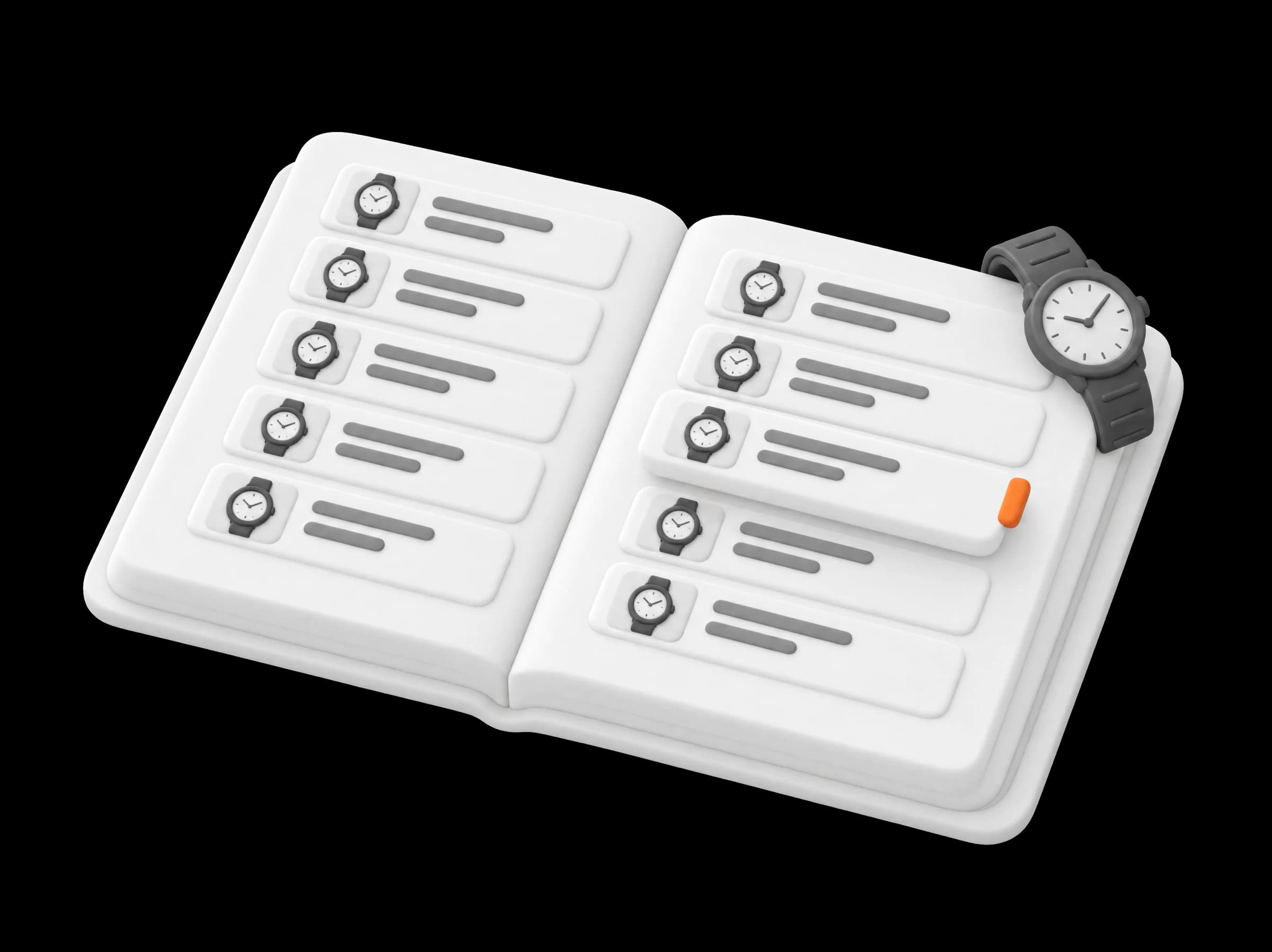
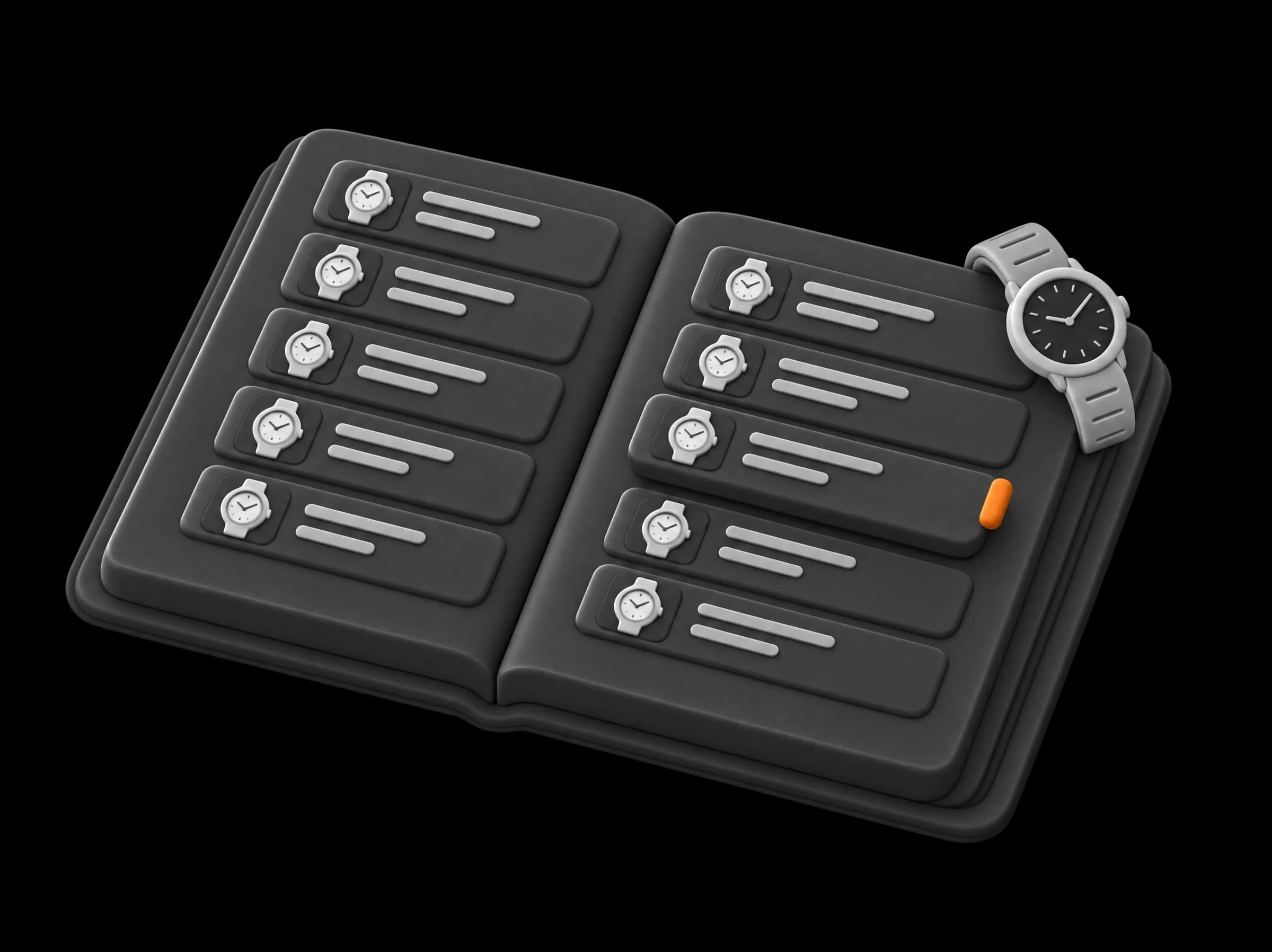
Every sale recorded, every invoice generated, and tax calculated as you go.
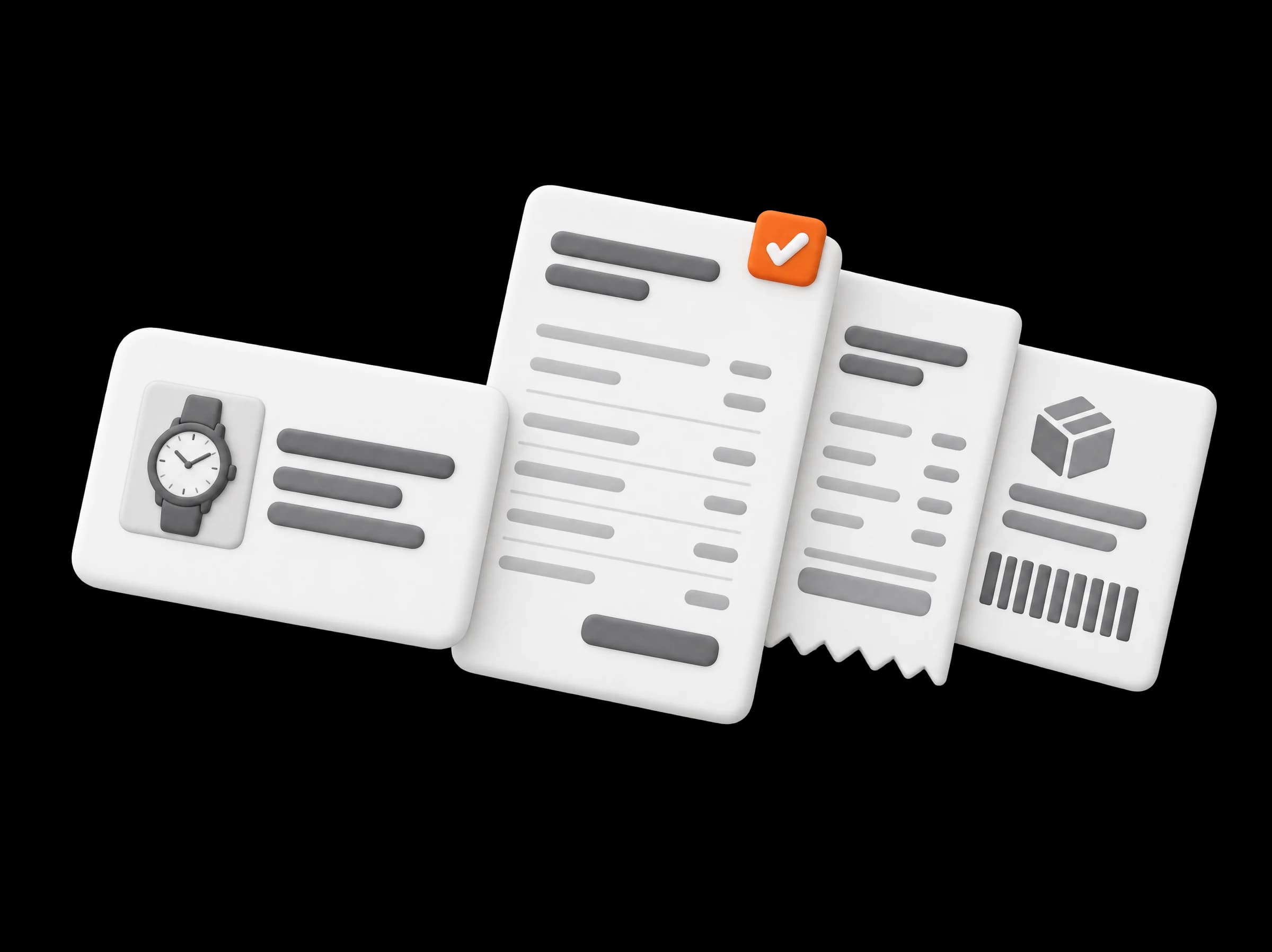
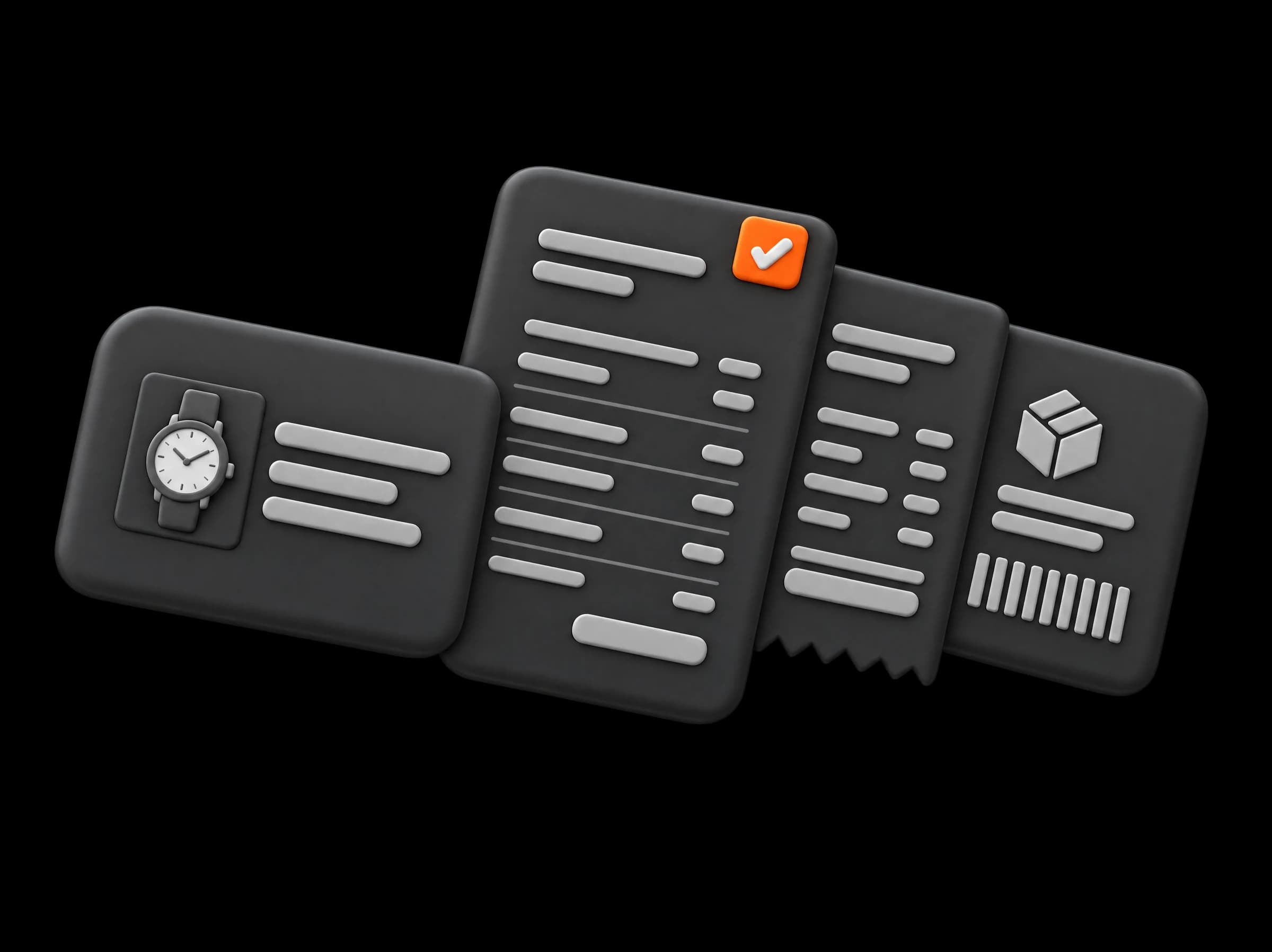
Completed orders generate the documentation your buyer requires: an itemised invoice for businesses or a formal receipt for private collectors. Applicable tax treatments calculate automatically based on destination and purchase history, while original supplier invoices remain permanently attached to the watch record.
Free plan, no card needed.
Worldwatch operates as a dedicated invoicing and inventory recording module. Calculations for VAT treatments, margin scheme margins, and landed costs are generated from transaction records entered on the platform. Formal bookkeeping entries, statutory annual accounts, and tax advice remain the professional responsibility of your independent accountant or tax adviser.
Prefer to call? Reach us on +31 (0)20 26 16 913
Follow a Rolex Explorer through your inventory and accounting workflow. Every document, cost, and tax calculation transfers from the step before it, eliminating manual bookkeeping.
The supplier invoice is logged and attached to the watch record, with reclaimable VAT recorded.
The buyer is an EU business, so the invoice generates at 0% VAT with reverse charge applied.
Two payments recorded against the order. The invoice status updates to paid once the full balance settles.
The transaction registers in your fourth-quarter ledger with profit and tax lines ready for export.
Platform view. Names, numbers and figures shown are examples.



Book a 20-minute call. We will take three of your recent sales through Books with you, from initial order to ledger export.
Prefer to call? Reach us on +31 (0)20 26 16 913
Generated automatically upon order completion, issued directly to the buyer, and preserved permanently in the transaction record.
Maintain one unbroken series for invoices and receipts, configured to your accountant’s specifications.
Buyer VAT credentials are verified before issuing cross-border zero-rated invoices.
Mandatory tax text for reverse charge, international export, or EU margin scheme included automatically.
Settlement status tracks incoming payments against the order balance, displaying open amounts instantly.
Purchases, sales revenues, and payment reconciliations recorded across individual watch files and period ledgers.
Every purchase and sale registers in one central ledger complete with tax treatments, channel fees, and net margins. Ready for your accountant without manual data entry.
Configure your home tax country, international registrations, OSS status, reporting frequency, and margin calculation methods once. Every sales record reads from it.
Upload supplier invoice PDFs directly. Invoice numbers, transaction dates, supplier credentials, and input VAT remain attached to the specific watch record.
Print formal purchase contracts or capture digital signatures on screen when acquiring from private sellers, automatically archived as the official acquisition invoice.
Worldwatch reads multi-watch supplier invoices and apportions shipping fees and customs duties proportionally across individual inventory records.
Record settlements via bank transfer, card, or cash across single or split payments. Invoices update automatically to reflect settled amounts and open balances.
Returned watches generate formal credit notes linked to original sales invoices, automatically returning pieces to active inventory.
Invite your accountant to a 20-minute call. We will review invoice structures, tax configuration settings, and period export formats together.
Prefer to call? Reach us on +31 (0)20 26 16 913
Worldwatch evaluates destination jurisdiction, buyer classification, and original acquisition history to apply the appropriate tax treatment: standard VAT, intra-community reverse charge, export exemption, or the EU margin scheme.
| The sale | How you bought it | Treatment | On the document |
|---|---|---|---|
| Private buyer at your counterAmsterdam | From a private seller | Margin scheme | Receipt, VAT not displayed |
| Dealer, VAT credentials verifiedMunich, Germany | From a dealer, VAT reclaimed | Reverse charge | Invoice at 0%, both VAT numbers displayed |
| Collector, shipped abroadZurich, Switzerland | From a dealer, VAT reclaimed | Export, 0% | Invoice with required export declaration |
| Private buyer, shippedAntwerp, Belgium | From a dealer, VAT reclaimed | Belgian VAT through OSS | Receipt with 21% VAT applied |
Four example sales from one dealer in the Netherlands. Your tax profile sets the jurisdictions in which your business holds active VAT registrations.
Download three structured financial files at the close of every period in your preferred language and reporting currency: the general transaction ledger, inventory cost valuation, and quarterly VAT summary.
| VAT and margin scheme, July to September 2026 | Amount |
|---|---|
| Sales VAT at domestic rate | €2,940 |
| Sales VAT in other EU countries, via OSS | €1,512 |
| VAT on the margin | €6,385 |
| Deductible input VAT | −€2,310 |
| Net VAT payable for the quarter | €8,527 |
Itemised purchases and sales recording applicable tax treatments, channel deductions, and gross margins.
Excel (XLSX) or CSV
Inventory valuation calculated at cost price across any selected reporting date.
Excel (XLSX) or CSV
Quarterly tax breakdown detailing standard VAT, margin scheme VAT, and deductible input VAT.
Excel (XLSX) or CSV
Example figures.
Start a free account and generate invoices from your next sale. At quarter close, your accountant receives an itemised export ready for processing.
Free plan, no card needed.
Works together with